




































































Achat vérifié
Pratique et sans prise de tête. Fonctionne nickel, parfait pour garder un œil sur tout ça à distance.

Product successfully added to your shopping cart
Ça pousse dans le bon sens

 Enlarge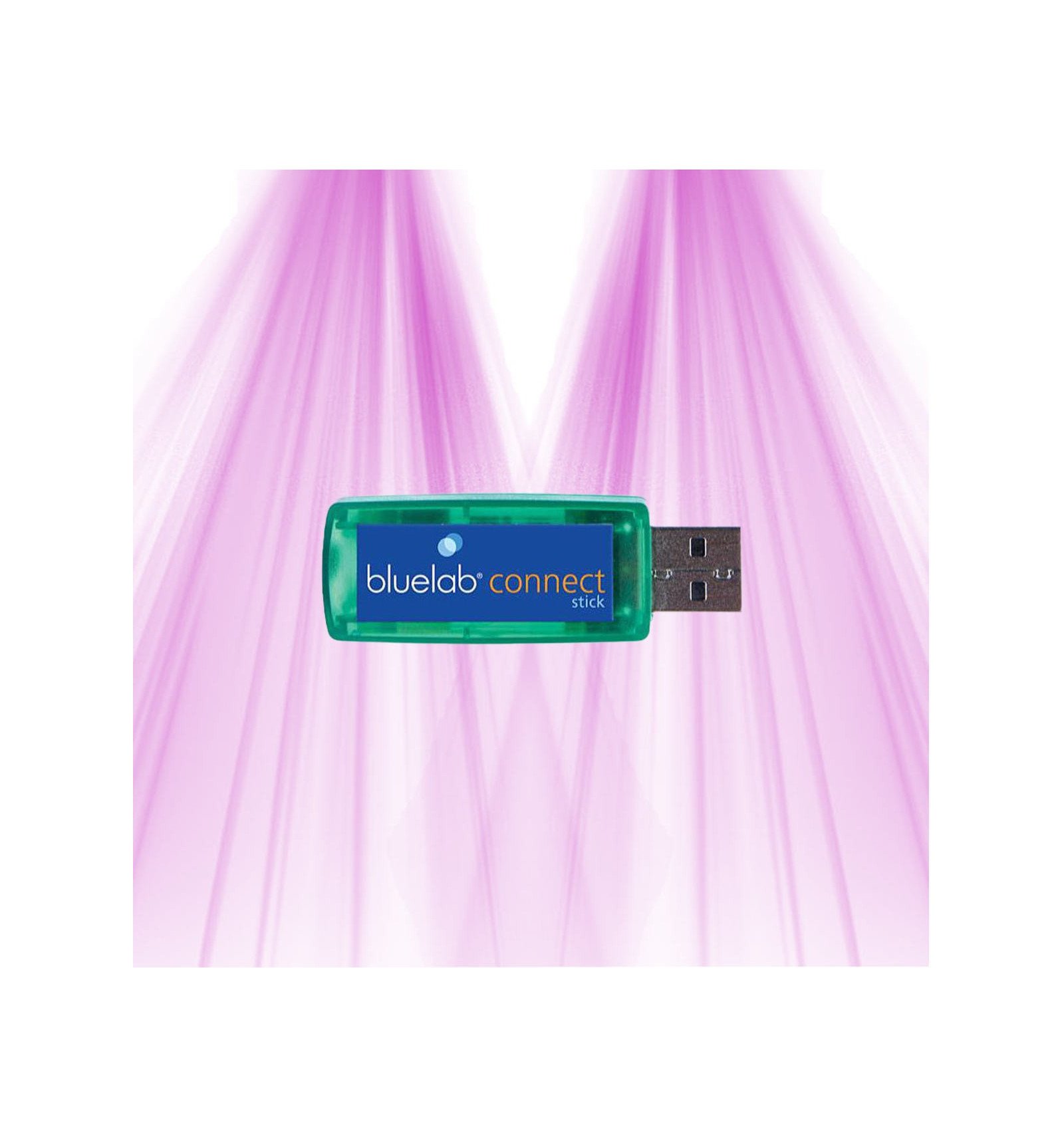
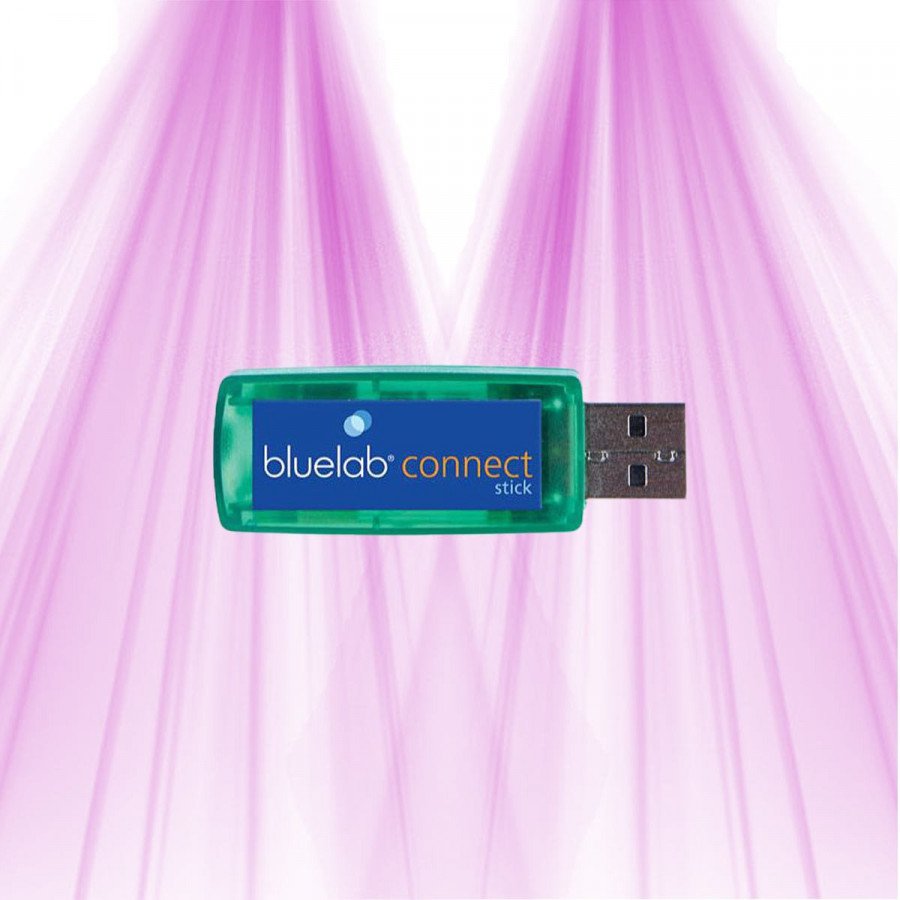
Discover the Bluelab USB connector Stick, ideal for wirelessly connecting your Bluelab connected tools, in order to receive and record all your measurements remotely.
USB connector for Bluelab pH/EC Connect
Our team will reply within 24 business hours.
Ref:
Quote · Lighting study · Administrative Payment Order
Step 8 · Arrosage & irrigation · 10 min, gratuit
Discover the Bluelab USB connector Stick, ideal for wirelessly connecting your Bluelab connected tools, in order to receive and record all your measurements remotely.
This USB key receives data from Bluelab Connected monitors in order to save them in the Cloud. You can collect data from other Bluelab brand devices without any problem.
Simply plug the Connect Stick into the computer, download and install the free connection software and you can start measuring.
This product is compatible with Bluelab Connected pH Controller and Bluelab Gardian pH/EC Monitor devices.
| Type | Connecteur USB |
|---|---|
| Compatibility | Bluelab Guardian Connect, pH/EC Connect, contrôleurs pH inline |
| Power supply | USB |
| Connected / App | Oui |
| Connections | USB |
| Wireless range (m) | 100 (intérieur), 400 (champ libre) |
| Required software | Bluelab Connect Desktop |
| Data storage | Local et cloud Edenic |
| Monitoring | pH, EC, température |
Pratique et sans prise de tête. Fonctionne nickel, parfait pour garder un œil sur tout ça à distance.
C'est devenu un réflexe de vérifier mes données chaque jour avec cette lampe. Installation sans souci, logiciel super accessible, et je peux suivre tout ça sans stress. Rien à redire, un vrai compagnon fidèle.
C'est un très bon produit. Après quelques jours d'utilisation, j'ai vu une nette amélioration. Facile à installer, fonctionne parfaitement. La livraison a été rapide et le produit bien emballé. Le service client est excellent et très réactif. Je suis vraiment satisfait de mon achat et je le recommande sans hésiter.
Produit solide et efficace. Livraison rapide. Vraiment pas déçu.
Aucun avis ne correspond à ce filtre.
The Bluelab Connect USB connector only works with the latest version of the Bluelab Connect Desktop software compatible with the Edenic platform. It is not compatible with older versions of this software. Regarding the limit on the number of pH and EC devices connected simultaneously via this connector, no specific restriction is communicated. The Edenic platform allows smooth and effective management of multiple devices connected at the same time, thus facilitating data transmission to the cloud.
The Bluelab pH/EC Connect USB connector ensures data security and reliability through several specific advantages for use in humid and electrically noisy environments. It uses a robust wireless transmission designed for demanding horticultural environments, ensuring stable communication despite interference.
The hardware is designed to withstand humidity, with splash protection that preserves data integrity. Additionally, the associated software automatically records measurements in the Cloud, combining secure backup and remote access, reducing the risk of information loss.
Finally, the proprietary wireless technology incorporates effective mechanisms to minimize corruption due to electrical noise, thus ensuring reliable and continuous transfer of essential measurements of pH, conductivity, and temperature in your crops.
The Bluelab Connect USB connector is designed to transmit data from Bluelab monitors to a computer via USB. Its electrical consumption is very low, typical of USB devices, generally in the range of a few milliamperes. It draws its power directly from the USB port of the device it is connected to.
Regarding portability, the Bluelab Connect remains dependent on a power source, hence a computer or a device equipped with a USB port. Without external power, its continuous use is limited to the availability of this device, which can restrict its use on the go.
The USB connector for Bluelab pH/EC Connect is an accessory designed for simple and intuitive use. Its installation on PC is very easy: just plug the connector into a USB port and download and install the free Bluelab Connect Desktop software.
This kit is compatible with connected Bluelab devices, including the Bluelab Connected pH Controller and the Bluelab Gardian pH/EC Monitor. However, it requires the latest version of the Bluelab Connect Desktop software based on the Edenic platform to function perfectly, ensuring accurate and reliable monitoring of your data.
You can find this USB connector Bluelab in our catalog to complete your installation.
To secure the USB transmission of the Bluelab pH/EC Connect and ensure the integrity of the measurements, the connector is designed to withstand humid and electrically noisy environments through robust wireless transmission. The official software, always up to date, automatically backs up data to the Cloud, ensuring a reliable backup in case of local interruption.
It is recommended to plug the connector directly into a stable USB port, to avoid unreliable hubs, and to check that the software is functioning correctly to benefit from continuous, reliable, and lossless transmission, even under the most demanding horticultural conditions.
The Bluelab pH/EC Connect USB connector allows you to collect pH and EC data from your monitor to a computer at regular intervals, but it does not provide native real-time synchronization with Google Docs.
For automated tracking in Google Docs, you first need to transfer the measurements to your PC via the USB connector and then use a script (like Google Apps Script) or specific software to periodically synchronize these files to Google Drive/Docs. This method allows for transferring data automatically without manual intervention, but it is not a continuous flow.
For continuous monitoring without additional setup, a Bluelab device with built-in Wi-Fi would be more suitable, as it sends data directly to the cloud.
The data synchronization between the Bluelab USB connector and the pH/EC Connect devices relies on a particularly reliable wireless transmission adapted to the humid and electrical environments encountered in indoor cultivation. The Connect Stick locally captures the sensor measurements and then, via the Connect Desktop software, stores these data before securely transferring them to the Edenic cloud platform. Even in the event of an interruption or instability of the Internet connection, the data remain protected and continue to be collected locally, preventing any loss or interruption in monitoring. This combination of robustness and efficient multi-device management ensures smooth and uninterrupted synchronization.
The Bluelab pH/EC Connect USB Connector provides real-time data transmission, or very close to it, allowing for continuous and accurate monitoring of pH, electrical conductivity (EC), and temperature parameters via the associated software.
Its robust wireless technology is specially designed to remain stable, even in humid and electrically disturbed environments. Additionally, it handles multiple connected Bluelab devices simultaneously without signal loss or interruption, ensuring reliable monitoring across multiple points.
For those seeking a native Wi-Fi connection, the Guardian Monitor Connect may be an interesting alternative, but the USB connector remains an excellent choice for stable and multiple communications.
The Bluelab pH/EC Connect USB connector transmits data from monitors to a computer via a reliable wireless connection, but it does not provide a continuous real-time transfer. The exact transfer rate is not disclosed, as priority is given to stability and robustness in cultivation environments.
Regarding Cloud registration via the Edenic software, it is automatic and secure as soon as the data is received, with no publicly specified maximum delay. The system is designed to ensure regular synchronization and limit any loss of information.
The Bluelab Connect USB connector ensures real-time or very close data reception, thanks to a reliable wireless transmission suited for indoor growing environments. This technology guarantees continuous and almost instantaneous monitoring of pH, electrical conductivity (EC), and temperature measurements.
As for the number of devices, it is possible to connect multiple Bluelab monitors simultaneously via the same USB connector, without interruption or the need to disconnect. The data flow remains stable and well synchronized, even with multiple devices in operation.
The USB connector for Bluelab pH/EC Connect is designed to ensure reliable and durable data transfer, even in humid and electrically disturbed environments. Its proprietary technology ensures stable communication without loss or interruption.
The Connect Desktop software automatically saves measurements locally before synchronization to the Edenic cloud, preventing any loss related to internet disconnection. It is robust, regularly updated, and capable of handling multiple devices simultaneously without interference.
Technical support is available in case of difficulty, with additional 24/7 email alerts for any detected anomalies. The hardware also benefits from moisture protection, which maximizes its durability and the reliability of long-term transfer.
The Bluelab USB connector for pH/EC Connect ensures reliable synchronization through robust wireless transmission, perfectly suited for the humid and electrically disturbed environments of indoor crops. In case of internet connection interruption, it collects data locally via the Bluelab Connect Desktop software, thus avoiding any loss of information before securely transferring it to the cloud.
It can also simultaneously manage multiple Bluelab devices, ensuring continuous and uninterrupted monitoring. This system thus combines stability, data protection, and efficient management for accurate and reliable tracking of your pH and EC parameters.
The USB connector for Bluelab pH/EC Connect is designed to provide a stable and reliable connection in the long term, even in humid agricultural environments. Its technology ensures robust transmission despite moisture and electrical noise, thanks to splash protection and secure data management. In case of internet disconnection, the measurements are stored locally without risk of loss. Additionally, it can handle multiple devices simultaneously without instability, with low energy consumption, ideal for demanding professional use.
The effective data transfer rate via the Bluelab Connect USB connector is not specifically stated in the available sources. This connector uses robust wireless transmission to communicate with Bluelab devices, but the rate via the USB port is not indicated.
Regarding the maximum limit of simultaneously connectable probes, there is no specific restriction. The Bluelab Connect software is designed to handle multiple probes at the same time via the Edenic platform, facilitating the connectivity of multiple devices.
The USB connector for Bluelab pH/EC Connect ensures real-time data synchronization (or very close to it), without the need to manually initiate the import of measurements. With the Connect Stick and Bluelab Connect Desktop software, data is collected locally and automatically transmitted to the cloud platform, providing continuous and reliable tracking of your parameters without interruption.
Expandable starter kit: The USB connector for Bluelab pH/EC Connect works with compatible monitors and can handle multiple devices simultaneously, offering a modular solution to evolve according to the size and complexity of your crop. There is no complete integrated starter kit available, but this setup remains highly scalable.
LED upgrade: This connector is dedicated to data transmission and does not include any options or installations related to LED sources.
Time to see results: pH, EC, and temperature measurements are accessible in real-time, allowing for precise monitoring from the very first use. Optimal adjustments can be assessed after just a few days of observation.
Wireless USB connection: The wireless link is reliable and stable, even in humid environments or subject to electrical interference. Proprietary technology ensures robust transmission with automatic local storage in case of interruptions, guaranteeing no data loss.
Compatibility: This connector is designed for Bluelab pH/EC Connect monitors. Other Bluelab models require specific accessories for wireless connection, so please check compatibility with your monitor.
Software: The Bluelab Connect Desktop interface is intuitive, with automatic backup, secure cloud access, and quick data visualization, greatly simplifying the management of your cultivation parameters.
To ensure reliable data recording over longer distances, it is possible to use range extenders that add approximately 100 meters additional per unit, allowing for a total reach of up to 700 meters.
This setup ensures stable communication even in complex indoor growing environments, so your monitoring remains accurate and continuous.
The Bluelab pH/EC Connect USB connector transmits pH, conductivity, and temperature data in real-time or nearly so, with very low latency. The communication is periodic rather than continuous, ensuring robust stability in the growing environment and nearly instantaneous display on the Bluelab Connect Desktop software.
This slight latency is imperceptible in use and ensures reliable and accurate monitoring of the parameters. For a continuous flow with no interruption, there are faster Wi-Fi alternatives available, but the USB connector remains perfectly suitable for rigorous and stable indoor control.
The Bluelab Connect Stick USB connector ensures very reliable synchronization of pH, EC, and temperature data thanks to a proprietary wireless technology specially designed for indoor growing environments. It continuously receives measurements emitted by multiple Bluelab devices, even in humid or electrically unstable conditions, thus guaranteeing stable and uninterrupted transmission.
The system prioritizes connection stability and consistency over maximum throughput, ensuring near real-time reception. The dedicated software, installed on PC, automatically backs up data locally before securely transferring it to the cloud, thus protecting your information against any internet interruption or network outage.
Finally, it simultaneously manages multiple monitors without interference, facilitating continuous and complete synchronization. This device is therefore perfectly suited to ensure precise, safe, and lossless monitoring of your growing parameters.
The Bluelab Connect USB connector for pH/EC allows for real-time or near real-time data reception, even in a dense hydroponic setup. The wireless transmission is reliable and designed to provide quick monitoring of parameters such as pH, EC, and temperature.
This is not an instant continuous broadcast, but rather a periodic synchronization with a minimal delay, sufficient for effective crop management. The exact maximum delay is not specified, but the system ensures stability and responsiveness suitable for demanding indoor cultivation.
For 100% real-time monitoring with no perceptible delay, solutions like the Bluelab Guardian Wi-Fi exist, which integrates Wi-Fi and ensures continuous monitoring via an online interface.

 USB connector for Bluelab pH/EC Connect 129,00 € 5.0/5 Restock in progress
USB connector for Bluelab pH/EC Connect
* Required fields
Write your review and get a voucher for discount 5%
*valid for 150 daysor Cancel