








































































Achat vérifié
Gérer le pH sans se prendre la tête, ça change la vie. Cette automate règle ça au poil, minute après minute, sans que je doive lever le petit doigt. Que demander de plus ?

Product successfully added to your shopping cart
Ça pousse dans le bon sens

 Enlarge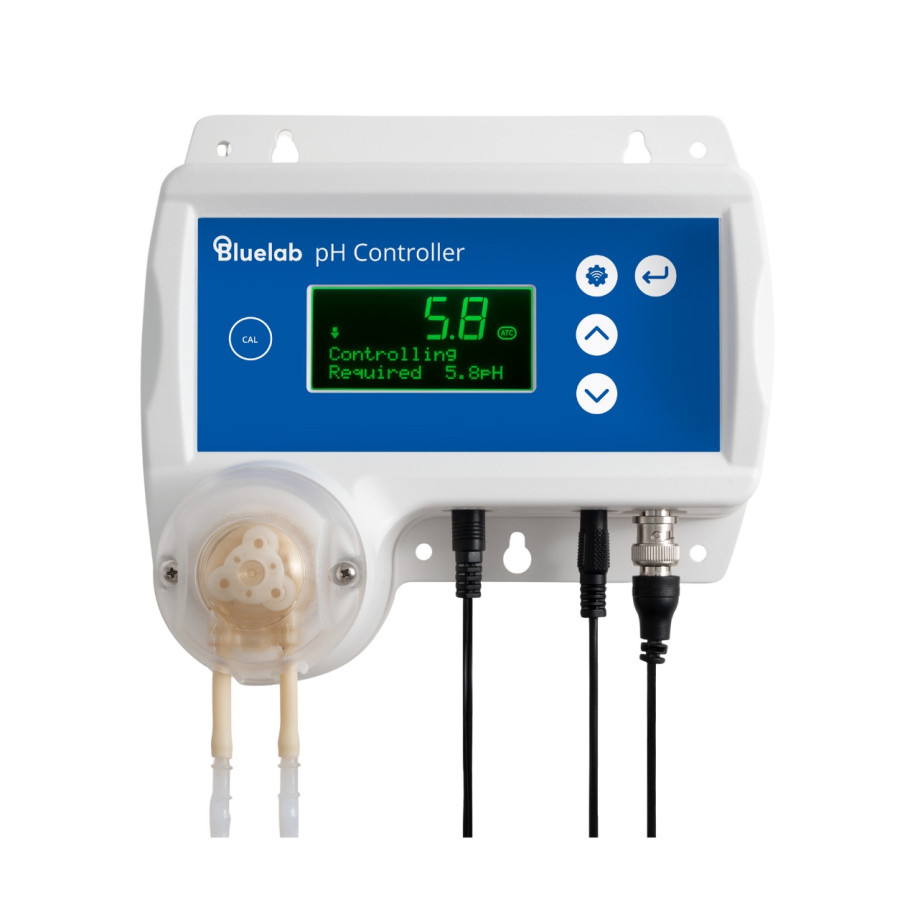
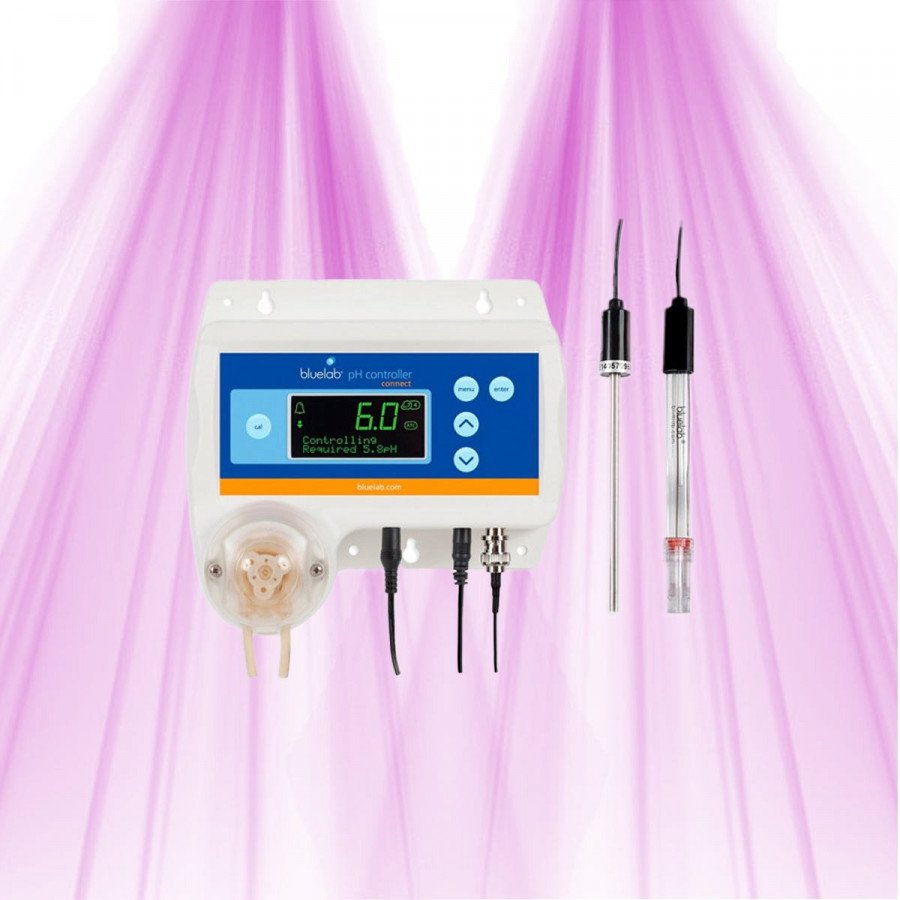
Bluelab pH Controller Wi-Fi
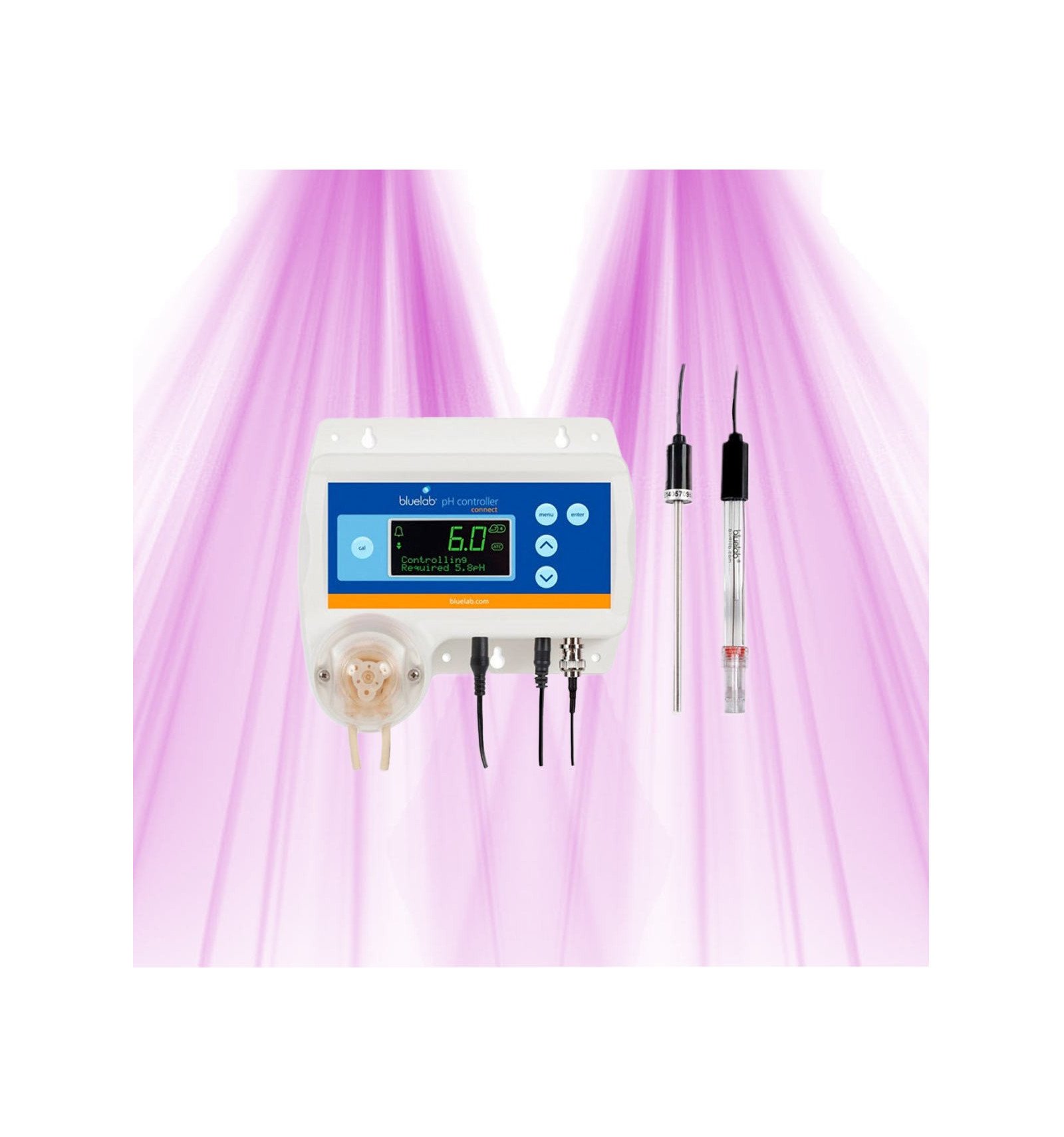

The Bluelab pH Controller Wi-Fi monitors and automatically adjusts the pH of your hydroponic solution. Built-in adjustable pump up to 120 ml/min, included pH and temperature probes, and remote monitoring and settings with Edenic.
Bluelab pH Controller Wi-Fi
Our team will reply within 24 business hours.
Ref:
Quote · Lighting study · Administrative Payment Order
Step 8 · Arrosage & irrigation · 10 min, gratuit
A drifting pH means repeated checks and manual corrections. The Bluelab pH Controller Wi-Fi takes care of this routine in your hydroponic reservoir: it continuously measures pH and doses adjuster towards your chosen target. Set the controller locally or manage it remotely with Edenic, while reducing the need for hands-on adjustments to your nutrient solution.
The controller combines a peristaltic pump with a replaceable pH probe. Choose to lower pH with pH Down or raise it with pH Up. One correction direction is used at a time. Pauses between injections allow the adjuster to mix through the reservoir before the next measurement.
High and low alarms stop dosing when the configured thresholds are exceeded. These safeguards complement your dosing settings; good circulation and supervision of the first cycles remain essential. Automatic temperature compensation supports reliable pH measurement.
Built-in Wi-Fi links the controller directly to Edenic. Add the device in the app and connect it to your network to access readings and settings remotely. Position the controller where Wi-Fi coverage is strong enough for connected functions. Local pH control remains available with Wi-Fi disabled.
Clean and calibrate the pH probe regularly. Bluelab recommends monthly maintenance and calibration after cleaning. Keep the probe tip hydrated with KCl storage solution when it is not in use, and check the pump tubing and connections. Reliable readings and a well-maintained dosing circuit are essential for effective regulation.
The GrowLED tip: start with short doses and allow enough mixing time. Adjuster released too close to a probe can produce a misleading local reading. Place the probes in a well-mixed area away from the injection point, then refine settings by observing how the whole reservoir responds.
| Functions | Measurement |
|---|---|
| Brand | Bluelab |
Gérer le pH sans se prendre la tête, ça change la vie. Cette automate règle ça au poil, minute après minute, sans que je doive lever le petit doigt. Que demander de plus ?
Expédié en un rien de temps, la réception a été parfaite et sans problème. Très satisfait !
Produit solide et efficace. Livraison rapide. Vraiment pas déçu.
Franchement bluffé.
Bon produit, bon service. Fonctionne bien et arrive rapidement. Satisfait.
Impeccable.
Aucun avis ne correspond à ce filtre.
The Bluelab pH Controller Wi-Fi can maintain a chosen pH setpoint in a nutrient reservoir. Choose a setpoint appropriate for your orchid species. pH control does not guarantee continuous flowering: light, temperature, nutrition and the plant’s natural cycle also matter.
Clean the probes when needed, then follow the manual using pH 7.0 and pH 4.0 or 10.0 calibration solutions for your chosen setup. Position the pH and temperature probes as instructed and allow them to reach the solution temperature. Bluelab recommends cleaning and calibration at least monthly and calibration after cleaning. Calibration returns the controller to Monitor mode; select Control mode again when the installation is ready.
Bluelab specifies a measurement accuracy of ±0.1 pH at 25 °C and a resolution of 0.1 pH. This is a measurement specification, not a guarantee that the entire reservoir will always stay within ±0.1 of the setpoint. Results also depend on calibration, mixing, the pH adjuster and dosing cycles. Clean and calibrate the probe at least monthly and calibrate after cleaning, following the manual.
Corrective dosing is automatic, but probe calibration requires your intervention and buffer solutions. Follow the controller’s calibration procedure with the appropriate solutions. Calibrate at least monthly, after cleaning or when a check suggests an unreliable reading. Check the settings before restarting dosing.
The Wi-Fi model combines pH and temperature probes with an adjustable peristaltic pump. Installation involves mounting the controller, calibrating the probe, connecting the tubing and choosing the dosing direction, setpoint and dosing cycles. Follow the manual and monitor the first doses. Edenic provides remote monitoring; it does not replace initial setup.
Local pH control remains available without Wi-Fi while the controller is powered and correctly configured. Edenic’s remote functions require a connection. Mixing pauses and alarm limits help limit dosing errors, but do not eliminate every risk: check the installation, probes and dosing circuit regularly.
The controller regulates one reservoir around the selected pH setpoint. You can adjust that setpoint to plant needs on the controller or through Edenic. One reservoir cannot simultaneously have two different pH values. Separate reservoirs with different requirements need suitable control for each.
Bluelab specifies a measurement accuracy of ±0.1 pH at 25 °C and a resolution of 0.1 pH. This is a measurement specification, not a guarantee that the entire reservoir will always stay within ±0.1 of the setpoint. Results also depend on calibration, mixing, the pH adjuster and dosing cycles. Clean and calibrate the probe at least monthly and calibrate after cleaning, following the manual.
The function described in the manual uses a selected pH setpoint, which you can change as crop needs develop. Wi-Fi provides access to settings through Edenic. Remote adjustment should not be confused with automatic scheduling of multiple growth stages; check the functions available in your version of Edenic before planning such a setup.
Bluelab specifies a measurement accuracy of ±0.1 pH at 25 °C and a resolution of 0.1 pH. This is a measurement specification, not a guarantee that the entire reservoir will always stay within ±0.1 of the setpoint. Results also depend on calibration, mixing, the pH adjuster and dosing cycles. Clean and calibrate the probe at least monthly and calibrate after cleaning, following the manual.
Clean the probes when needed, then follow the manual using pH 7.0 and pH 4.0 or 10.0 calibration solutions for your chosen setup. Position the pH and temperature probes as instructed and allow them to reach the solution temperature. Bluelab recommends cleaning and calibration at least monthly and calibration after cleaning. Calibration returns the controller to Monitor mode; select Control mode again when the installation is ready.
This page offers the Bluelab pH Controller Wi-Fi. It measures and doses automatically on site, with built-in Wi-Fi for viewing data and adjusting settings through Edenic. There is no version variant to select on this page.
A small reservoir responds quickly to pH adjuster. The maximum flow of 120 ml/min alone does not guarantee suitability for a reservoir below 50 litres. Reduce pump speed and dosing duration, provide effective mixing and sufficient pauses, then validate the settings under supervision. Choose the adjuster concentration according to its manufacturer’s guidance.
A small reservoir responds quickly to pH adjuster. The maximum flow of 120 ml/min alone does not guarantee suitability for a reservoir below 50 litres. Reduce pump speed and dosing duration, provide effective mixing and sufficient pauses, then validate the settings under supervision. Choose the adjuster concentration according to its manufacturer’s guidance.
The controller’s specified accuracy is ±0.1 pH at 25 °C. Probe life depends on operating conditions and maintenance; a fixed lifespan cannot be guaranteed. Clean and calibrate it regularly and keep the tip hydrated in KCl storage solution when not in use. The pH probe is replaceable.
Connect the controller to your Wi-Fi network and link it to Edenic following the manual. You can view readings and their history, receive alerts and change settings remotely. Regulation and dosing take place on the controller and require power, maintained probes and a correctly installed dosing circuit.
Official Bluelab pH Controller Wi-Fi user manual. English PDF, 37 pages: installation, settings, Edenic, calibration and maintenance.
Download (1.8M) Hydroponics for Beginners: Introducing the Terra Aquatica Ebb & Grow System
 Bluelab pH Controller Wi-Fi 848,99 € 5.0/5 Restock in progress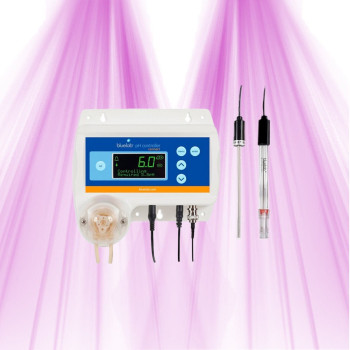
Bluelab pH Controller Wi-Fi
* Required fields
Write your review and get a voucher for discount 5%
*valid for 150 daysor Cancel


