

































































LEDStar·Horticultural bars for green plants
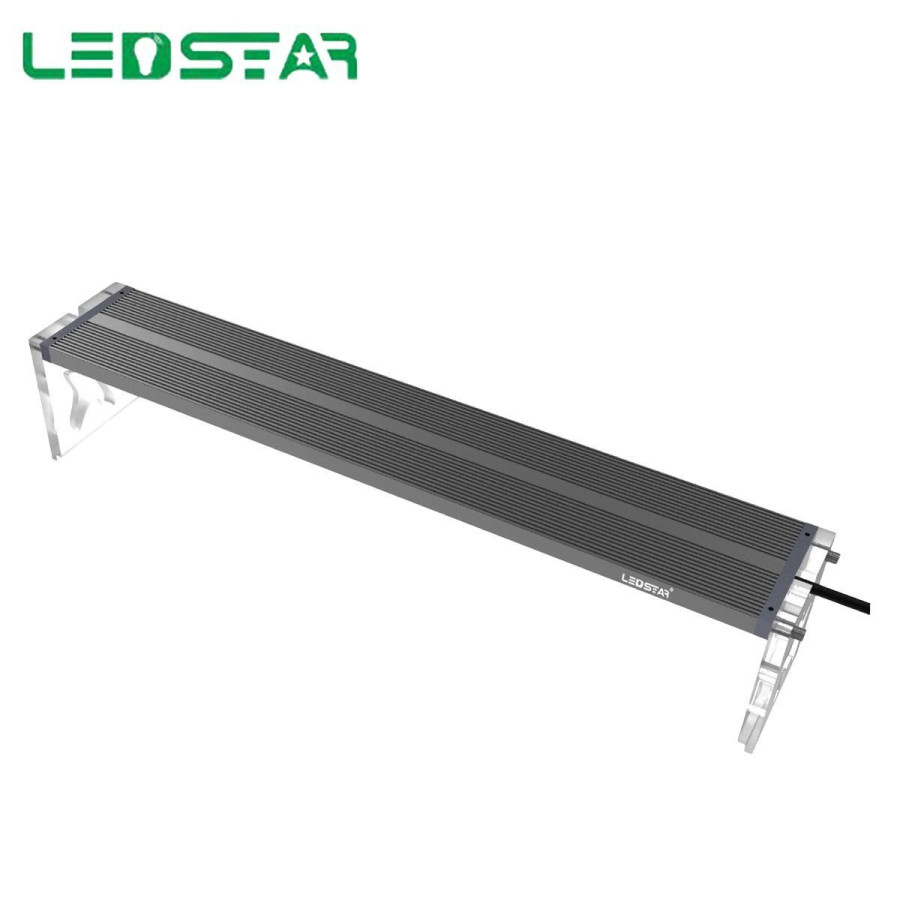
LEDSTAR AQS — RGBW LED bar for plants and terrariums
Réf. LEDSTAR-AQS-30CM-22W LEDStar
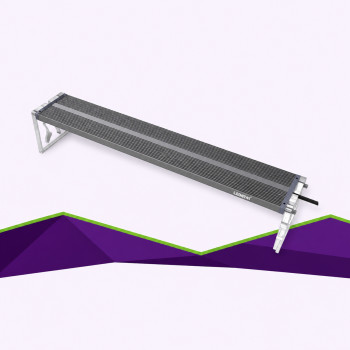
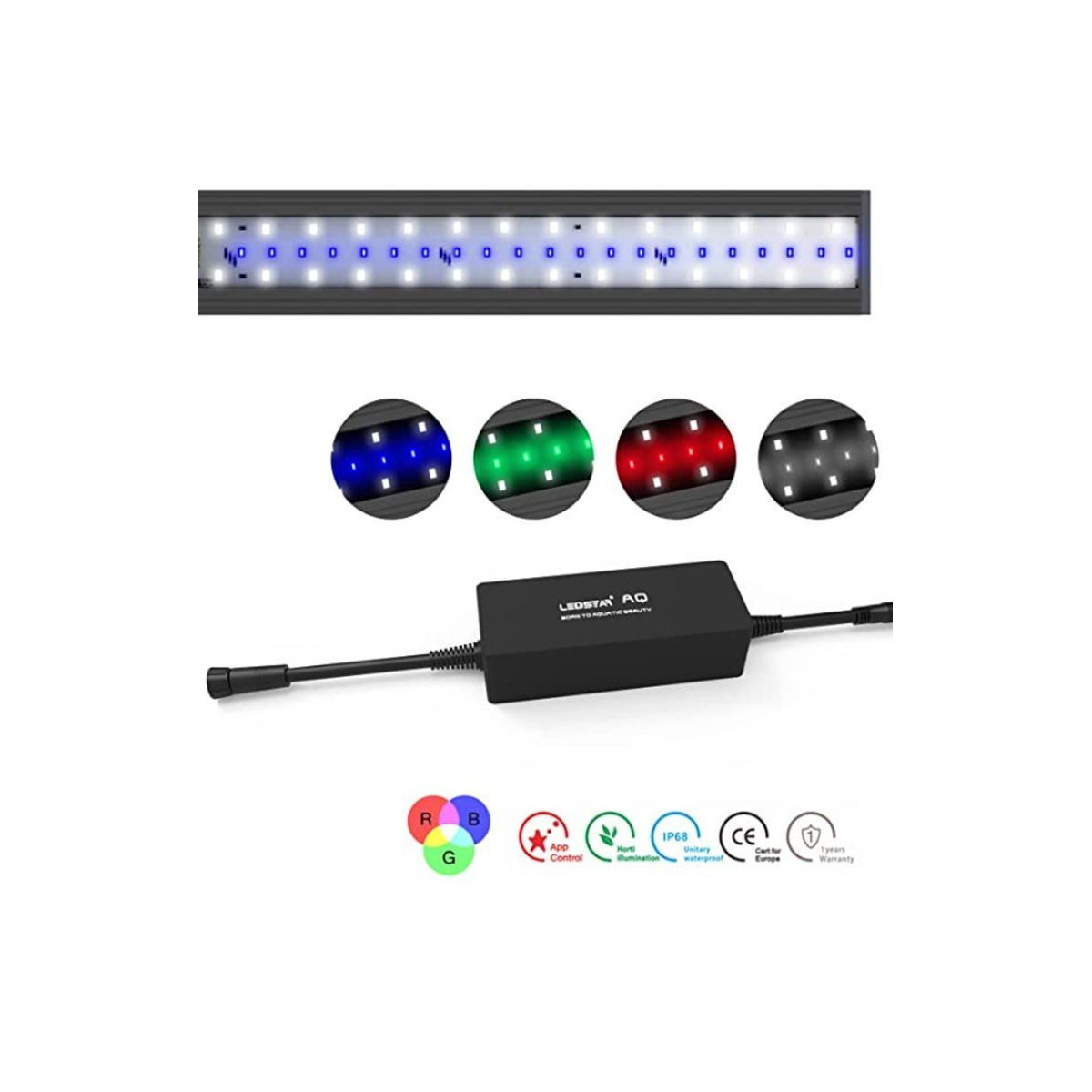
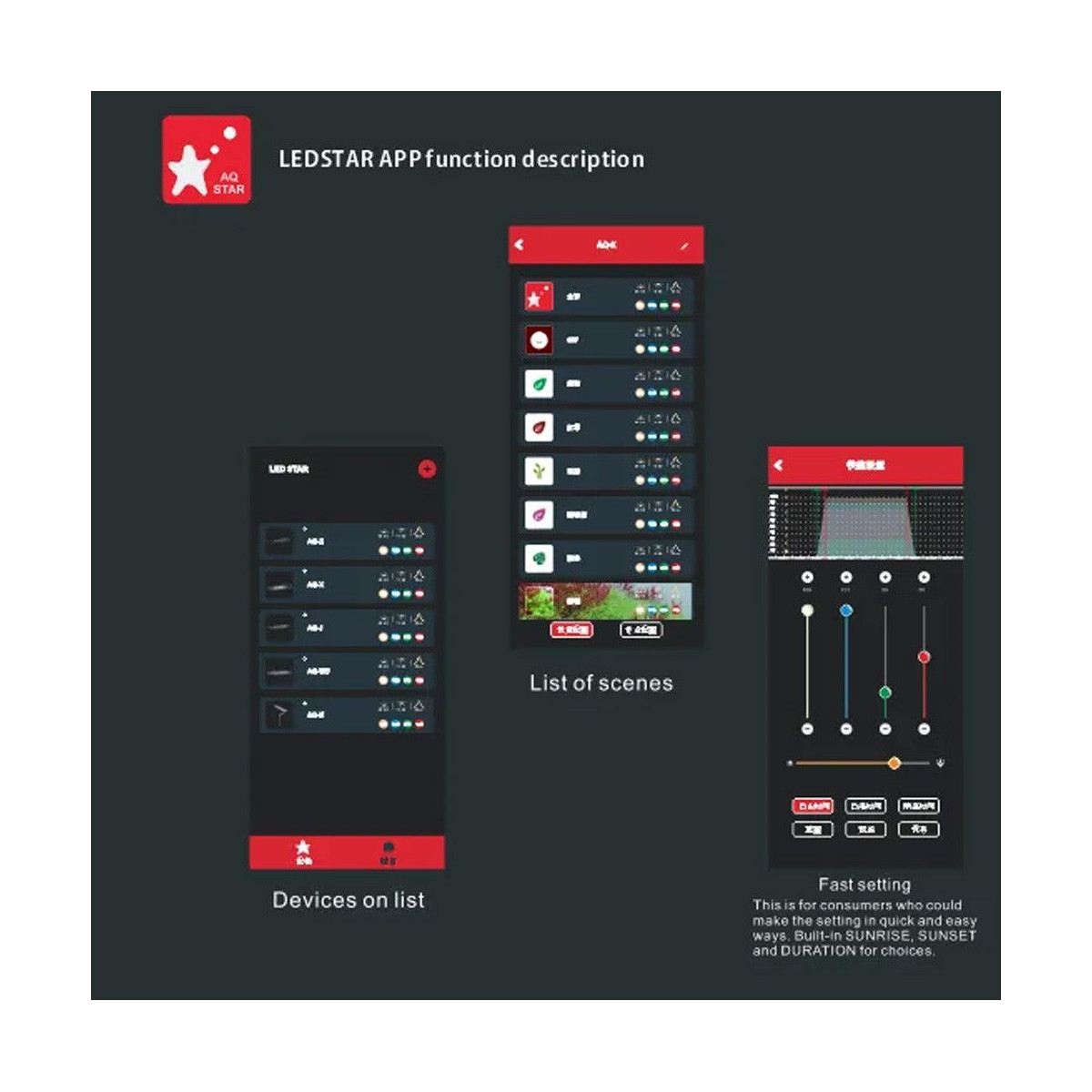
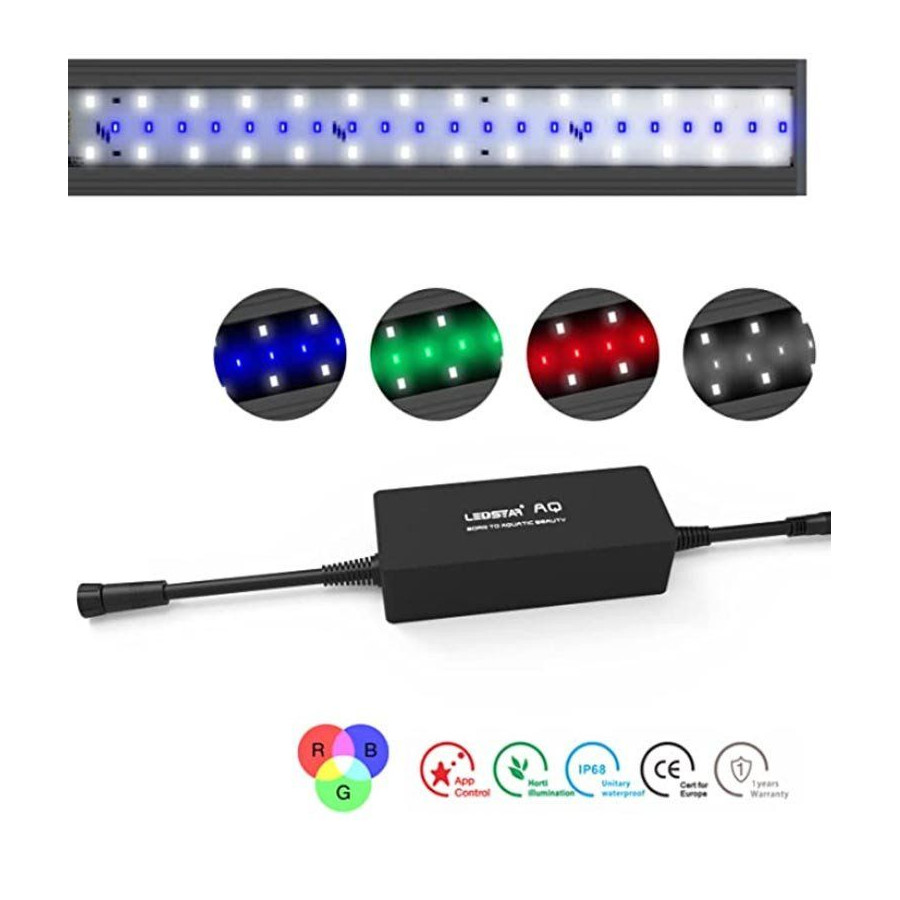
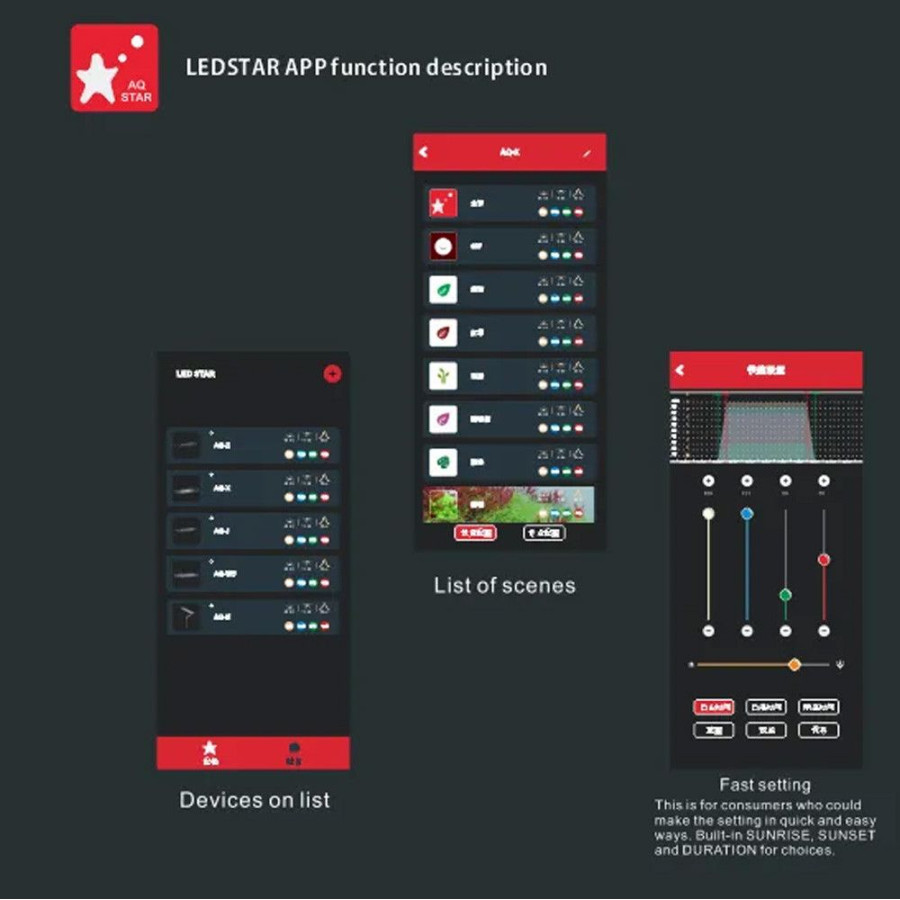
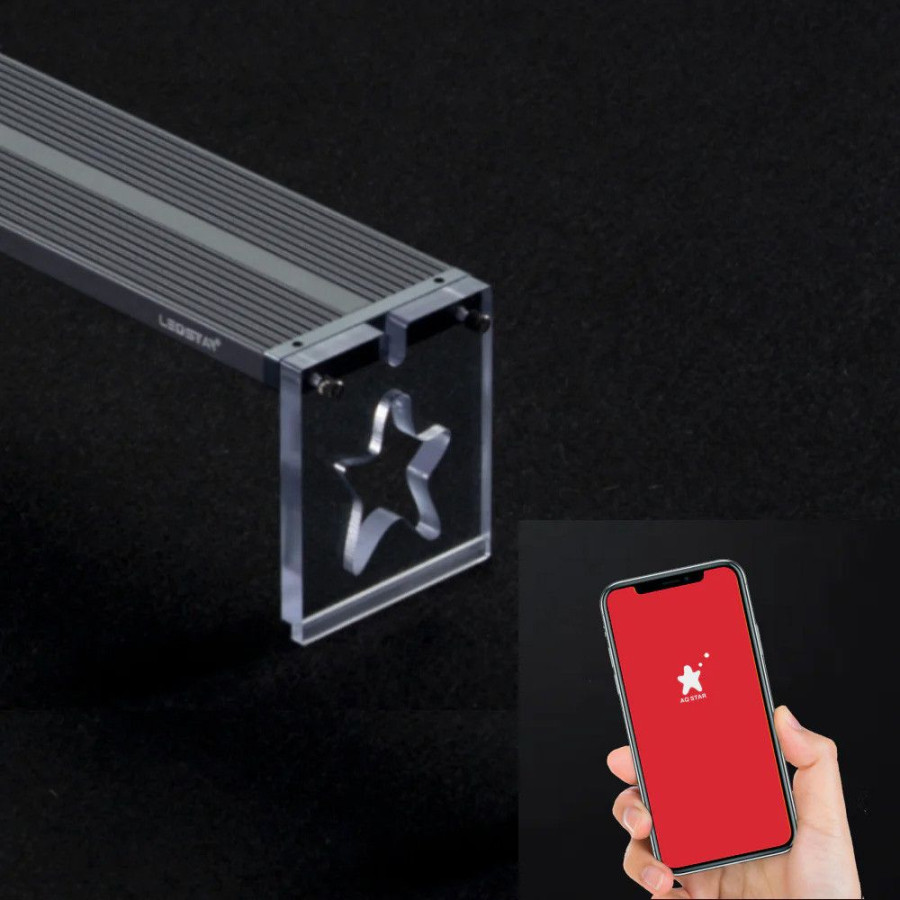
Light your plants with an adjustable LED bar. Customise the red, green, blue and white channels in the AQStar app, adjust intensity and schedule your lighting.
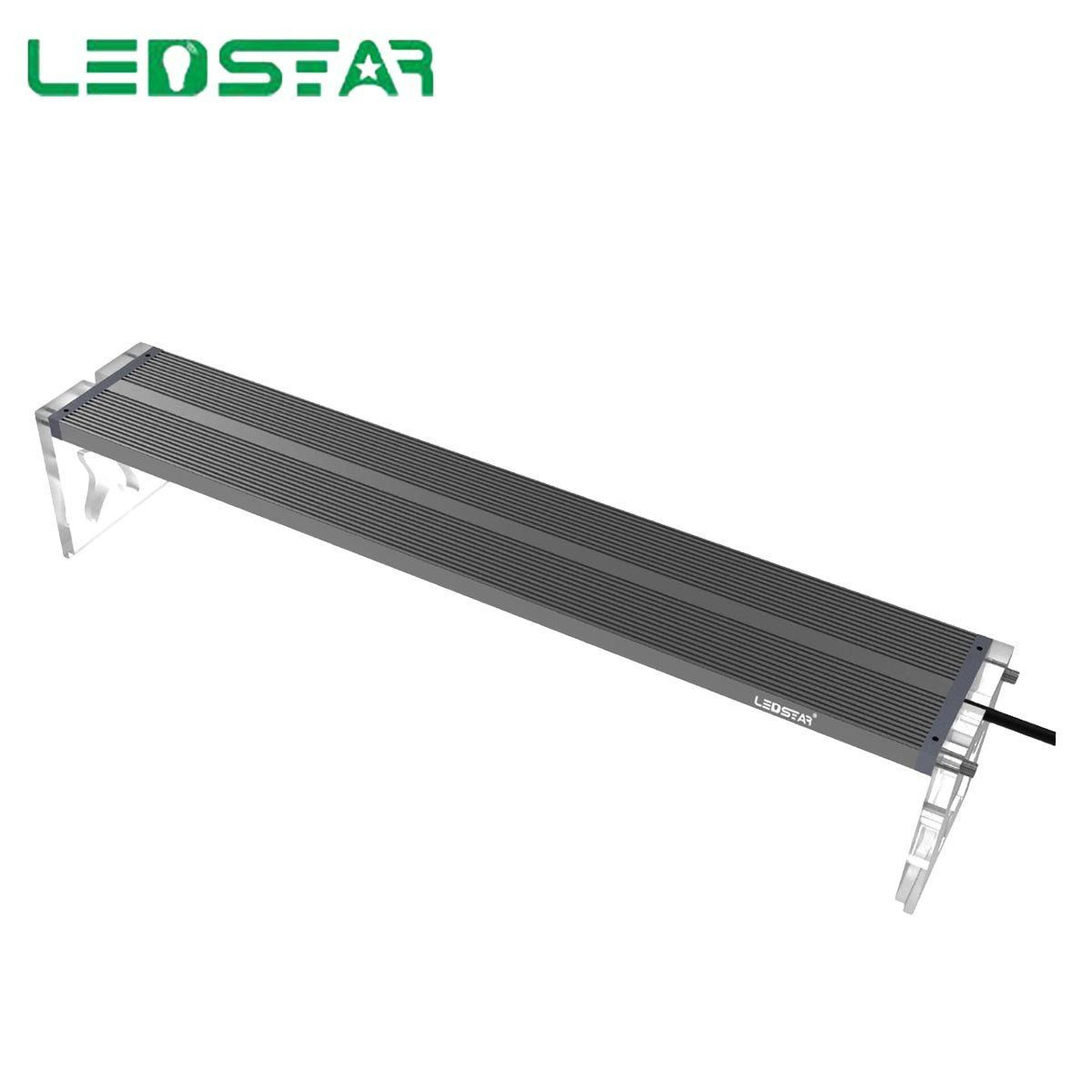
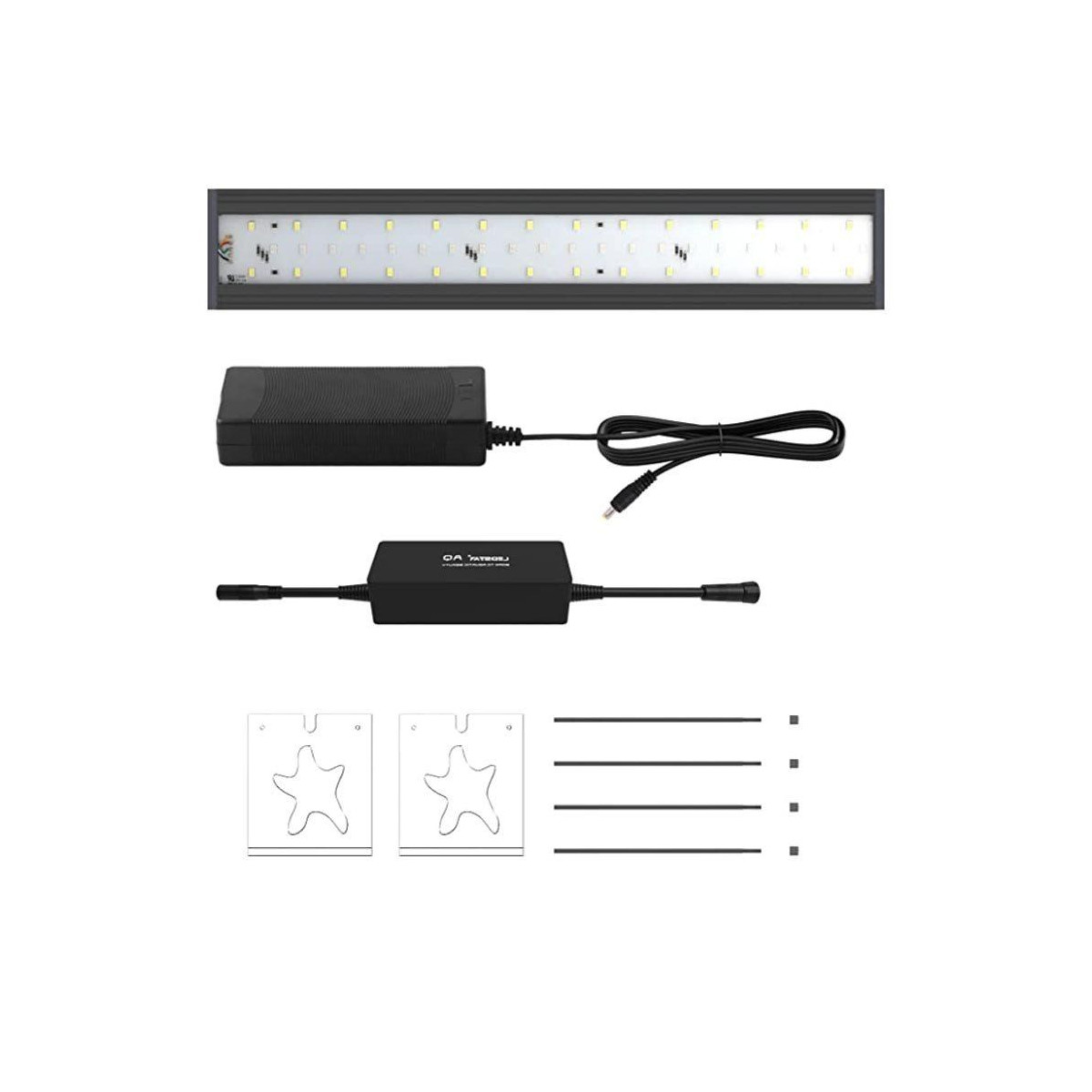
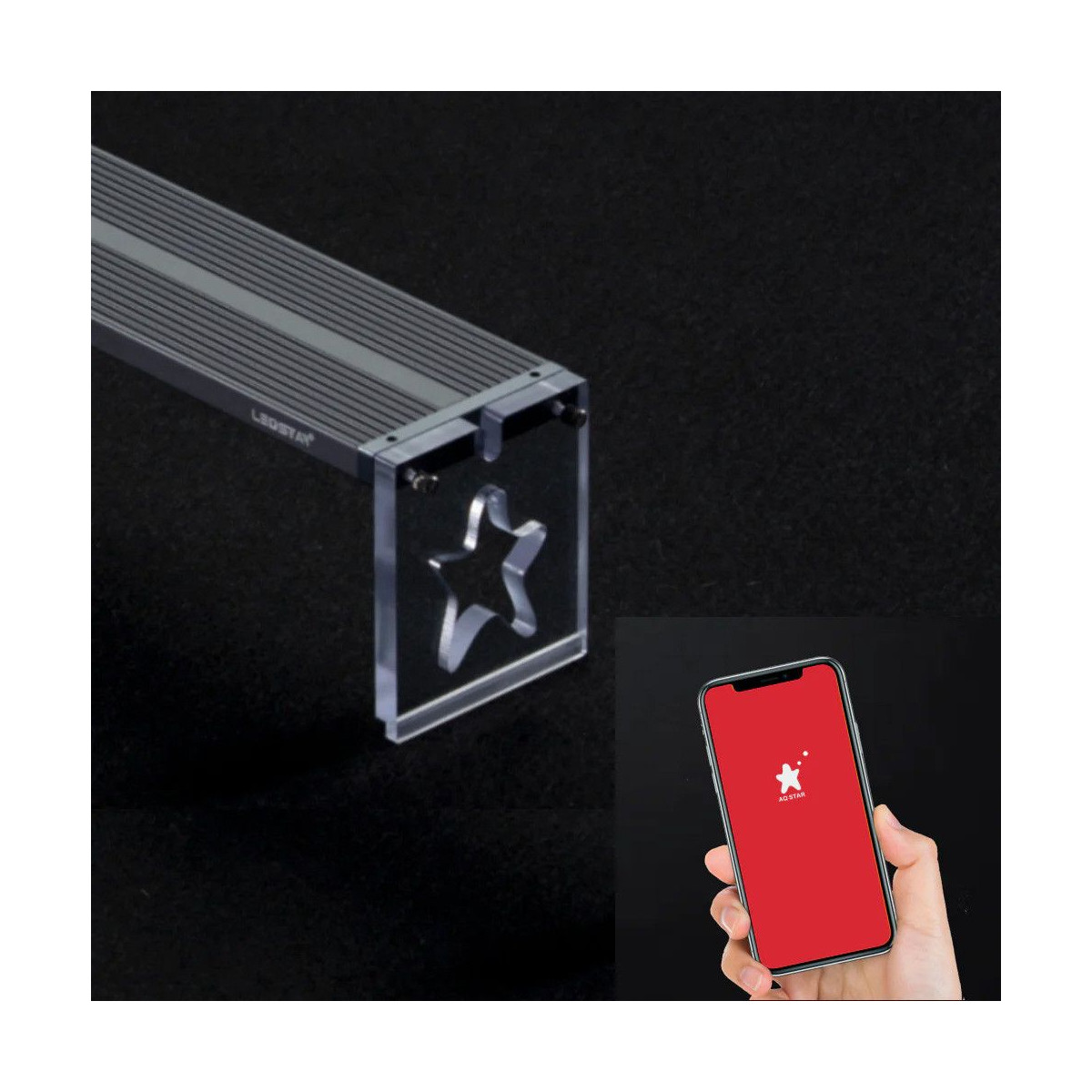
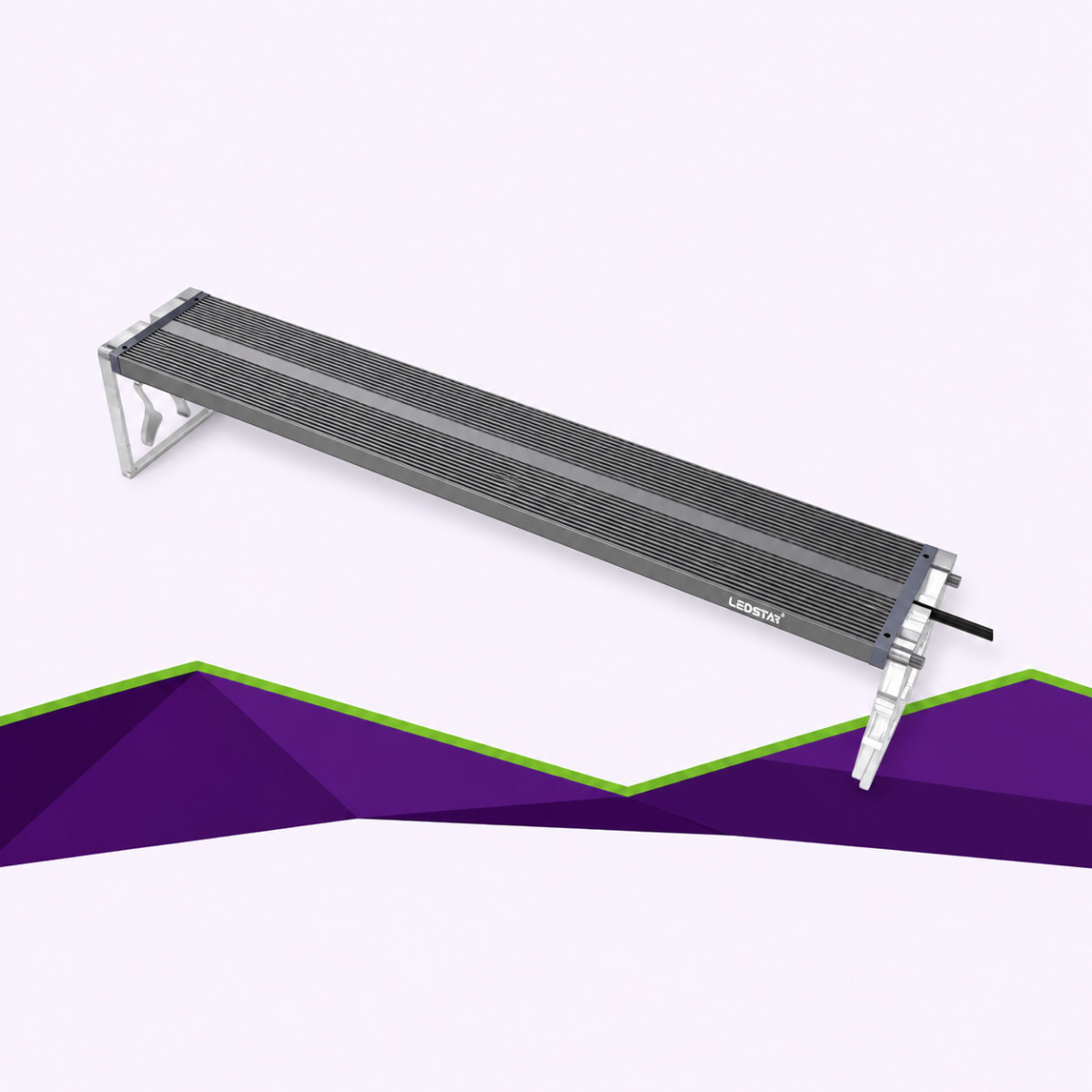
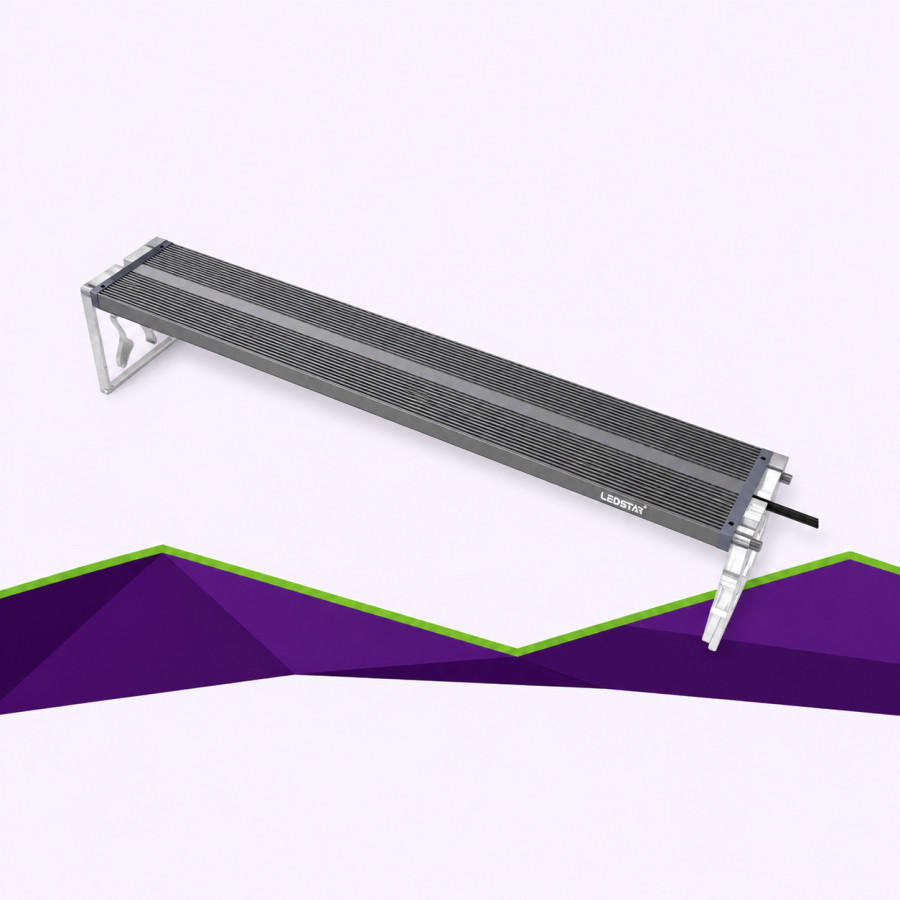
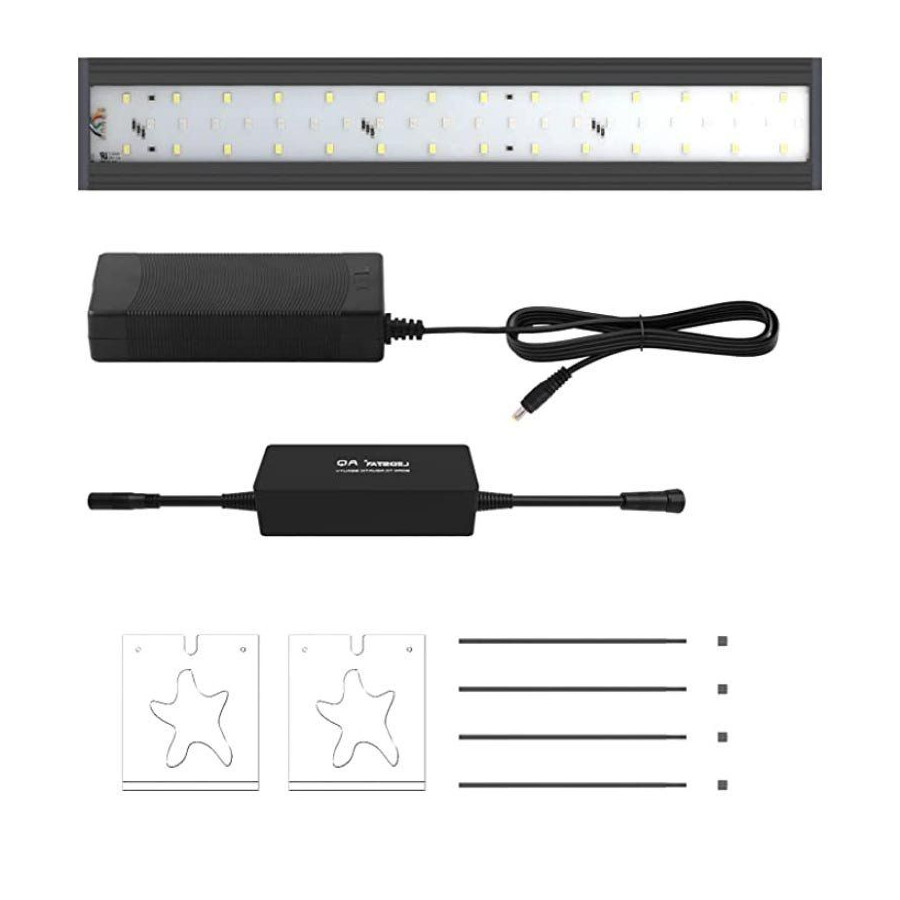
AQS rests on transparent supports that complement its slim profile. Five sizes from 30 to 90 cm let you choose a bar for the space available.
GrowLED since 2009
French group · indoor growing expertise
Pay in instalments
3 or 4 payments from €50 with Alma, subject to eligibility
24h express available
After dispatch, if offered at checkout
Showroom near Nancy (54)
Au Palétuvier · Champigneulles
LEDSTAR AQS — RGBW LED bar for plants...
99,00 €
Parraine tes proches
5 % pour toi & 5 % pour ton ami
Description
Product presentation
A slim profile. Light you can shape.
An unfolding leaf, the texture of moss and the depth of green foliage: thoughtful lighting changes how you see a planted display. LEDSTAR AQS combines a slim LED bar with adjustable red, green, blue and white channels. Its understated body and transparent supports leave the plants at the centre of your composition.
Where does AQS fit?
Choose AQS when your project calls for a bar resting on suitable tank supports, with settings accessible from your phone. A planted terrarium or indoor plant display needs stable support points and an appropriate position above the foliage. Consider how the light will be installed as well as its length.
Five sizes to match your space
AQS comes in five nominal lengths: 30, 40, 45, 60 and 90 cm. Measure the support points, available width, cable route and distance to the plants before choosing a version. Nominal length is not a complete installation measurement. It also does not by itself specify the illuminated area or the intensity reaching the foliage.
Technical overview by version
| Version | Power |
|---|---|
| 30 cm | 22 W |
| 40 cm | 32 W |
| 45 cm | 35 W |
| 60 cm | 42 W |
| 90 cm | 52 W |
RGBW: find your visual balance
The red, green, blue and white channels let you adjust the tone of the light. You can favour white or adjust the colours to highlight different shades in the foliage. Settings should also suit the plants. Electrical power helps you compare versions, but it does not establish the amount of light reaching a plant at a given distance.
AQStar: build a daily lighting routine
Use AQStar to adjust colour, intensity and operating times. Sunrise and sunset transitions let the light change gradually through your chosen cycle. Include a daily period with the light off. When you move the bar, change the planting or rearrange the display, review the programme rather than automatically retaining the same settings.
Install, observe and adjust
Position the bar securely and organise the cable route. Check that the supports rest correctly and that decoration or dense foliage does not block the light. Adjust duration and intensity gradually, then observe the plants. Plants close to the light and those lower in the display may need different consideration.
AQS or AQS PRO?
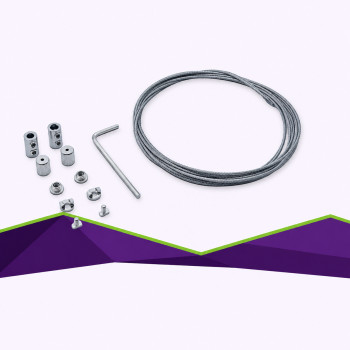
AQS prioritises a slim body, transparent supports and a supported installation. Consider AQS PRO if you want the option of suspension with its dedicated kit or need the nominal 120 cm size. Both ranges provide RGBW adjustment and AQStar scheduling. The AQS PRO hanging kit should not be added to the standard AQS without a specific compatibility check.
Everyday care
Follow the instructions for your equipment and keep the power supply and connections away from water. Disconnect the power before cleaning or making adjustments to the installation. In a terrarium with animals, plant lighting does not replace species-appropriate UVB lighting or heating. Plan those requirements separately.
Questions before you choose
Can I adjust the colours and operating times?
Yes. AQStar provides RGBW channel adjustment, intensity control and lighting schedules.
How do I choose the length?
Measure the support points and available space first. Also consider the foliage height and lighting distance; length alone does not determine the plants’ lighting requirements.
Can the bar be submerged?
This page does not recommend submerged use. Follow the instructions for the version supplied and keep the power supply and connections away from water.
Complete your choice
They've adopted it
Reviews customers
Soyez le premier à donner votre avis !
Partagez votre expérience avec ce produit.
Frequently asked questions
Your questions
Not seeing your question?
Your browsing
Viewed recently